

"*" indicates required fields
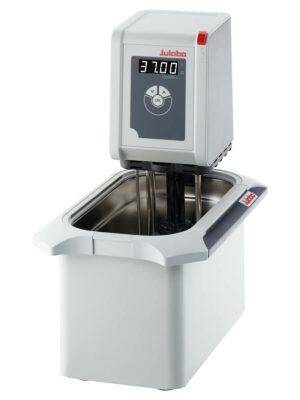
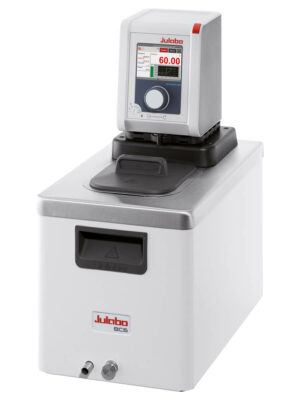
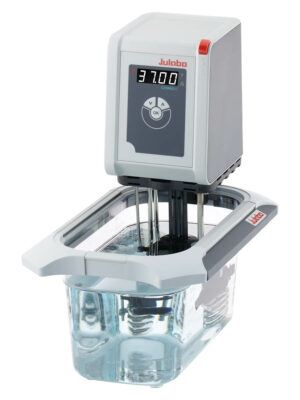
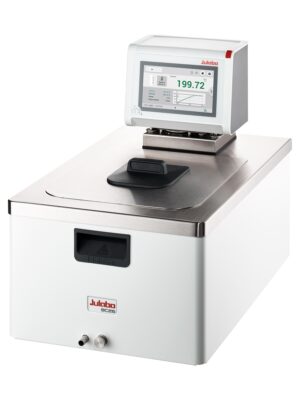
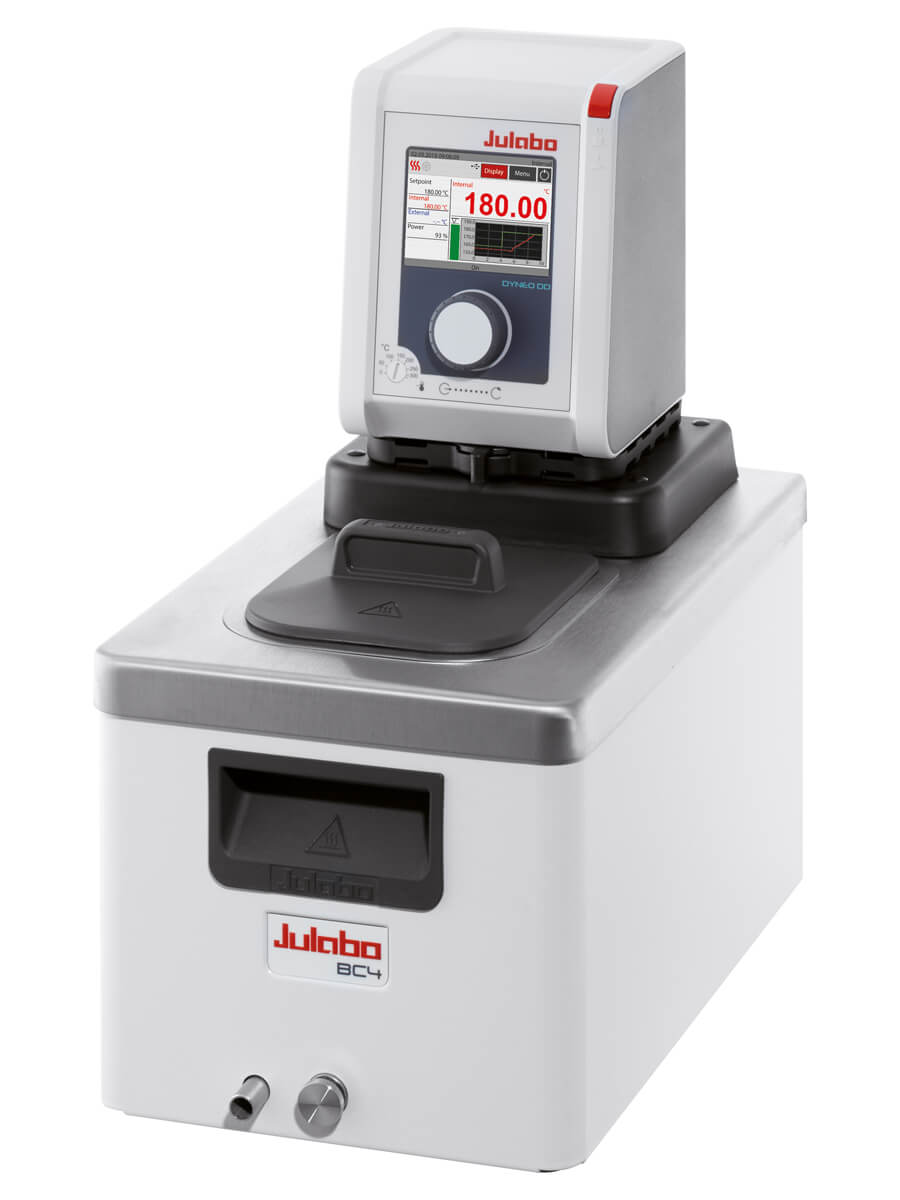
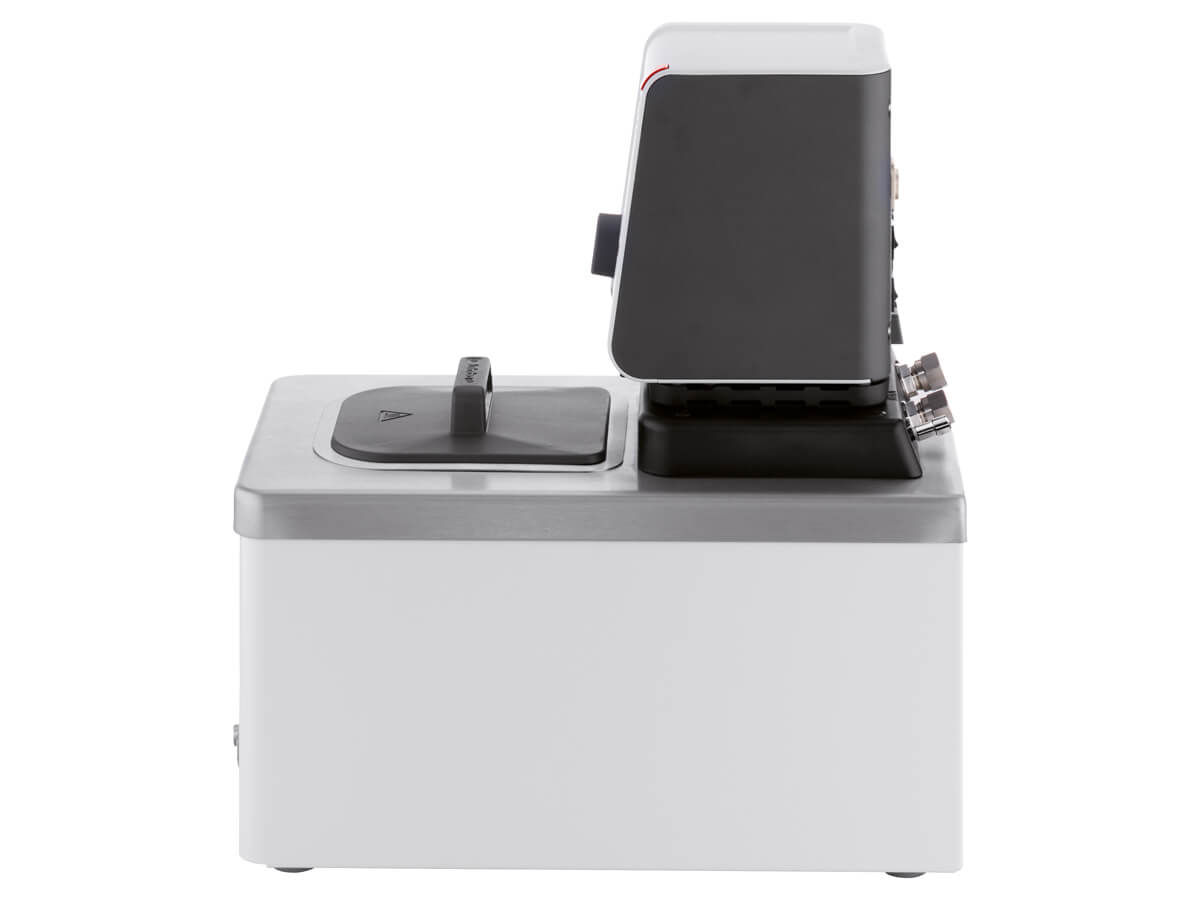
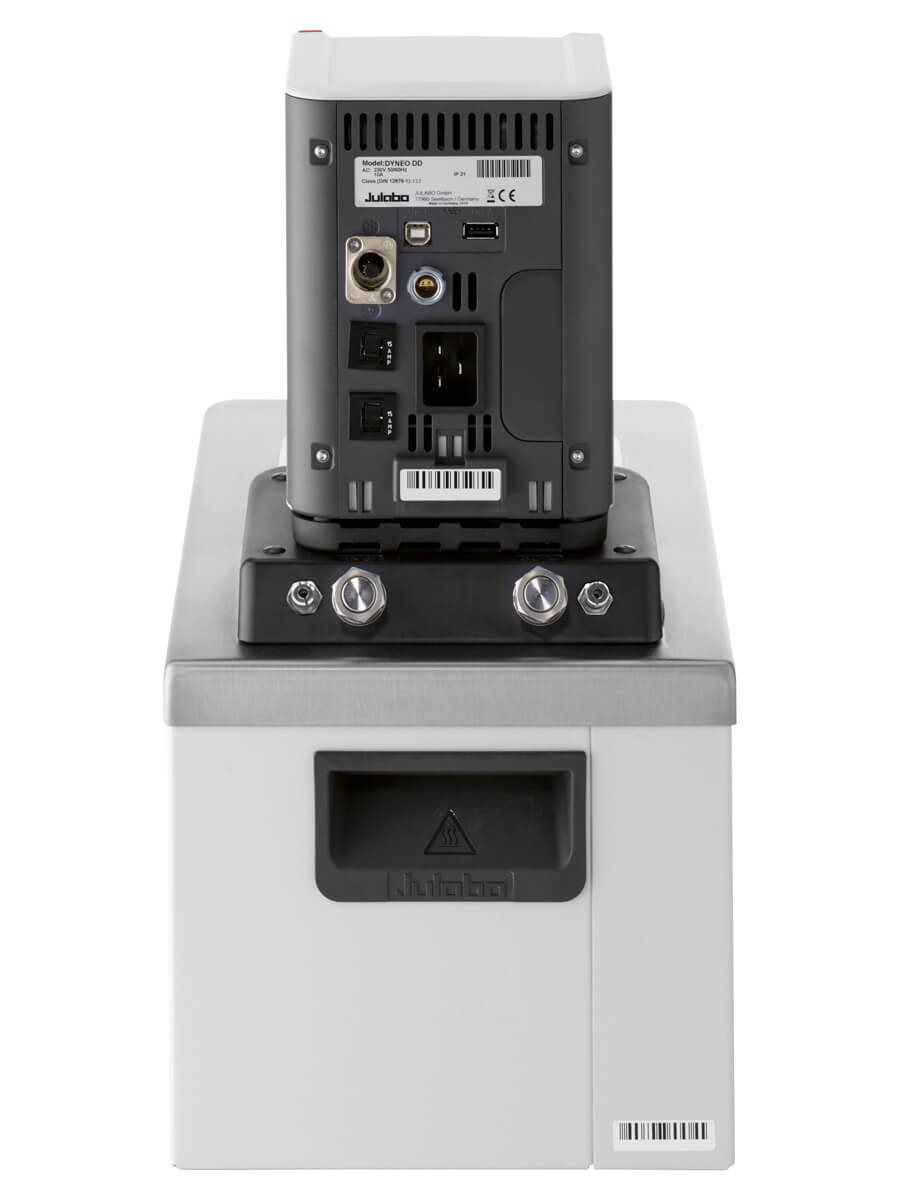
DYNEO™ heating circulators are suitable for temperature applications with circulation to an external apparatus or immersing a device in the bath tank for temperatures to 200 °C. The DYNEO™ DD circulator incorporates easy change-over for control of fluid circulation internally or externally. Unit fittings M16x1 male threaded adapters including a pair of 8 and 12 mm hose barbs. Systems include insulated stainless-steel tanks with integrated drain valve. Color TFT display with central rotary knob controller, multi-lingual interface, integrated programmer, Pt100 port for external temperature control. USB connection for external PC control and data-logging; Digital option includes RS232 port; analog option includes analog interface for voltage or current control. PID temperature control provides ±0.01 °C stability. Infinitely variable centrifugal pump capacity of 8-27 L/min with pressure to 1.5-10.2 psi. Class III (FL) according to DIN 12876-1.
Included with each unit: 2 each barbed fitting for tubing 8 and 12 mm inner dia. (pump connections M16x1 male)
If NRTL/UL CSA is required, contact sales@julabo.us
$2,399.00 +


Learn how to perform an ATC, or Absolute Temperature Calibration, on your DYNEO DD circulator.
In this video Electronics Service Team Leader, Nelson Hill, will discuss the various analog inputs that are optional on the DYNEO-DD circulators.
In this video Electronics Service Team Leader, Nelson Hill, will discuss the various analog interface options that some of our products have as either optional or standard, including stand-by input (STAND-BY), alarm output (ALARM), and programmer input/temperature recorder output (REG+E-PROG).
In this video, Electronics Service Team Leader, Nelson Hill will walk you through how to dismount a CORIO CD, CORIO CP, or DYNEO DD from a heated or refrigerated bath.
Learn how to connect your CORIO CP, DYNEO DD (optional), MAGIO MX and MS, and PRESTO Series EasyTEMP Software using RS232 Interface.
Learn how to connect your CORIO CD, CORIO CP, DYNEO DD, MAGIO MX and MS, and PRESTOs EasyTEMP Software using USB Interface.
In this video you will learn how to data log to a USB stick on your DYNEO DD. This allows you to record data from the unit’s operation without having to connect it to a computer.
Learn how to download black box data from the DYNEO DD circulator product line. Make sure you have a USB stick no more than 2 GB large, formatted in FAT32 and make sure there are no other files on the USB stick.
In this video, Nelson will demonstrate how to update the firmware and configuration on a DYNEO refrigerated circulator.
Check out the DYNEO DD series, JULABO’s newest line of immersion circulators designed for use with hot and cold baths, and internal and external applications. In this video, Mark Diener JULABO’s product manager takes you through the features and benefits of this super dynamic product line. Some of its key characteristics include a powerful pressure pump that’s adjustable across a wide range of speeds; a cooling coil that allows you to cool down from high temperatures; pt100 sensor capabilities for external control; a click-and-dial, easy-to-operate interface for adjusting settings; multilingual capabilities, USB port for data logging and external communication with a PC, and much more. See how the DYNEO DD can make a difference for you.
Learn how to install and set up your DYNEO DD for use with an external Pt100 sensor.
In this video, Nelson Hill walks us through how to install an analog module on a DYNEO circulator.
In this video, Nelson Hill explains how to use the internal programmer on a DYNEO DD circulator.
In this video you will learn the differences between the MAGIO circulators vs. the DYNEO DD circulators.
In this video, Sr. Product Manager Mark Diener, talks about the importance of external temperature control using Pt100 sensor and monitoring the temperature in your glass reactor.
Learn how to switch your DYNEO DD circulator into remote control mode using either the USB interface or the optional RS232 if you have it.
In this video Senior Customer Service Support Technician, Mary Pop, will demonstrate how to update the configuration on your DYNEO-DD circulator.
In this video, Nelson will demonstrate how to update the firmware and configuration on a DYNEO refrigerated circulator.