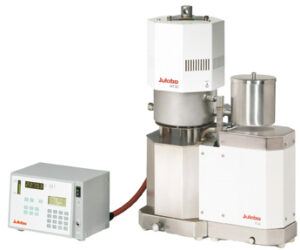
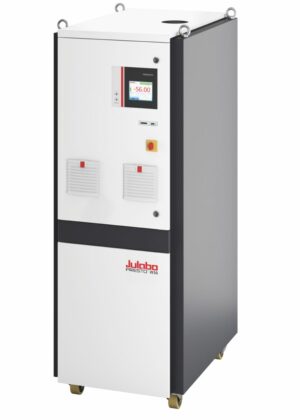
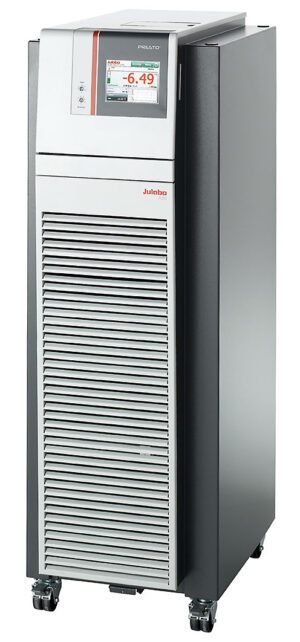
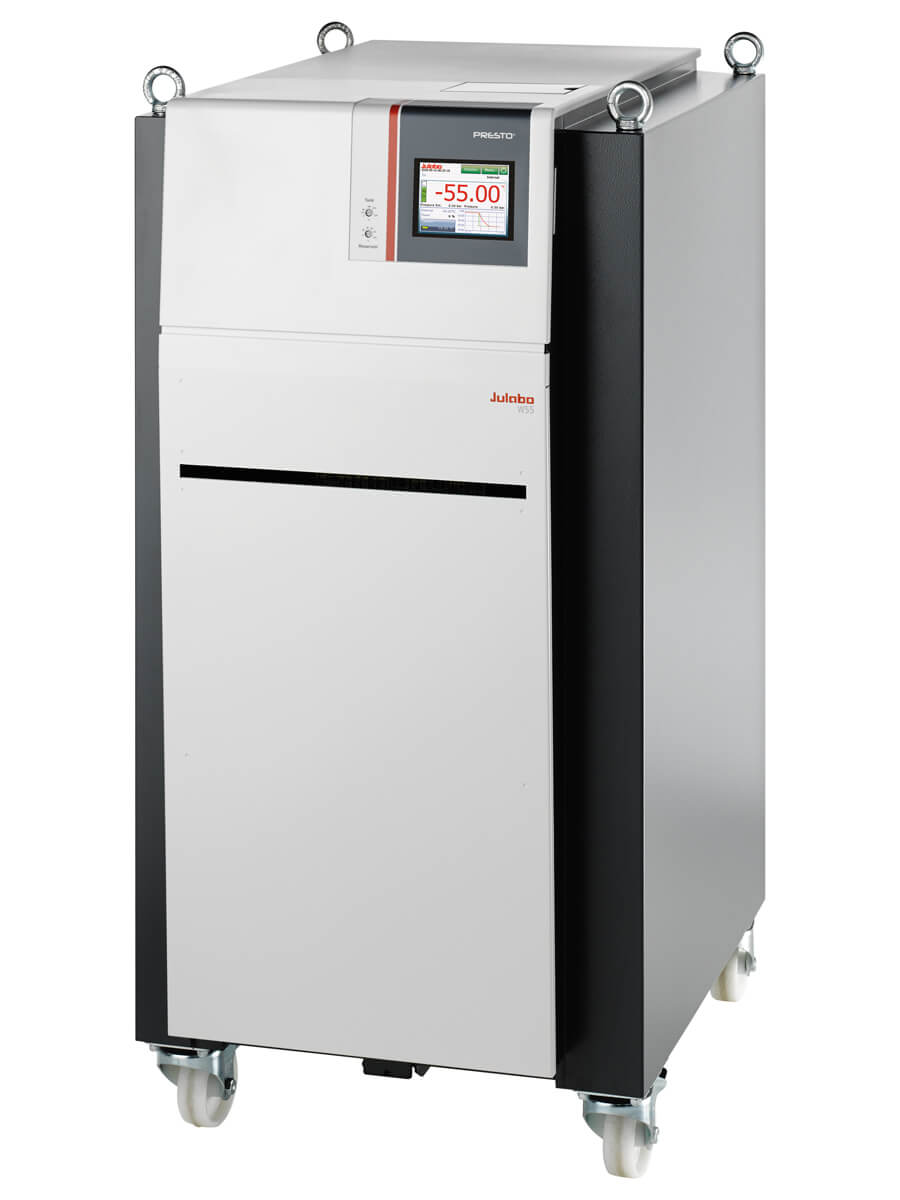
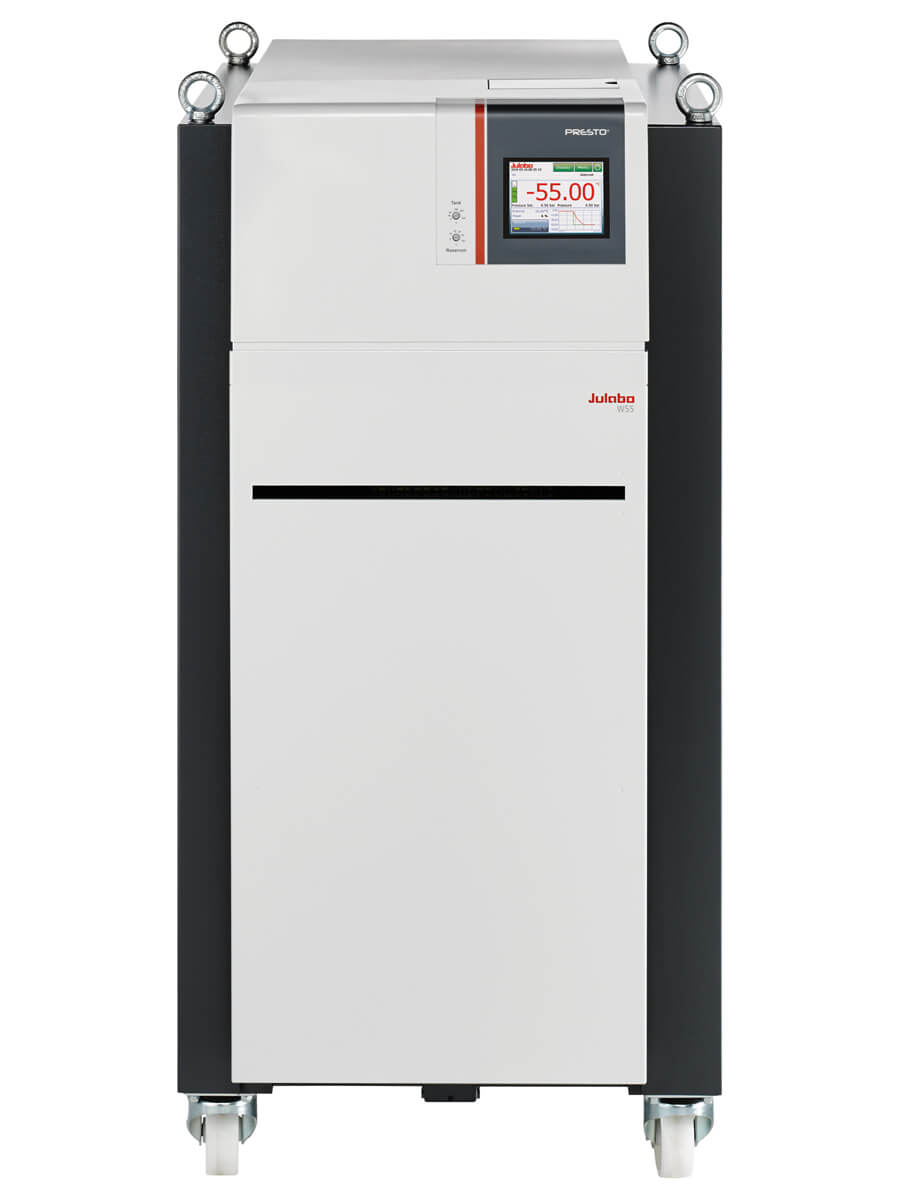
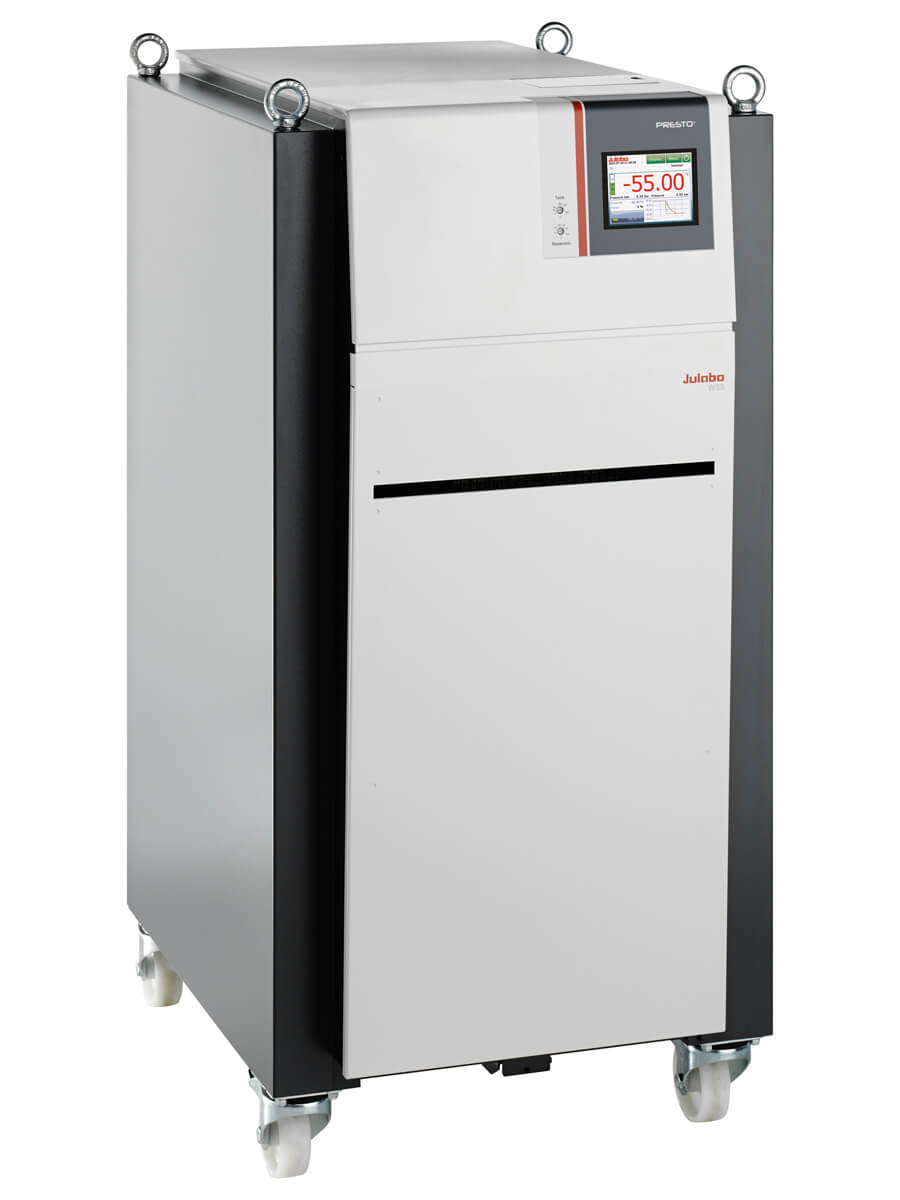
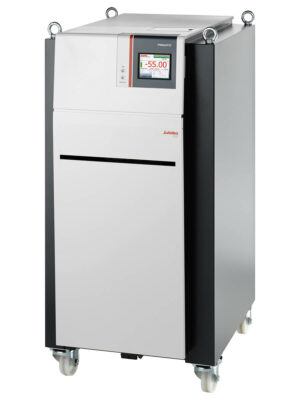
JULABO PRESTO® Highly Dynamic Temperature Control Systems for highly precise temperature control of external applications. Systems offer rapid heating and cooling rates for fast compensation of external events. The hydraulically sealed heat exchanger design afford a wide working temperature range without changing fluids. All units feature a 5.7″ industrial color TFT touch screen interface for unit operation, external integration and programming.
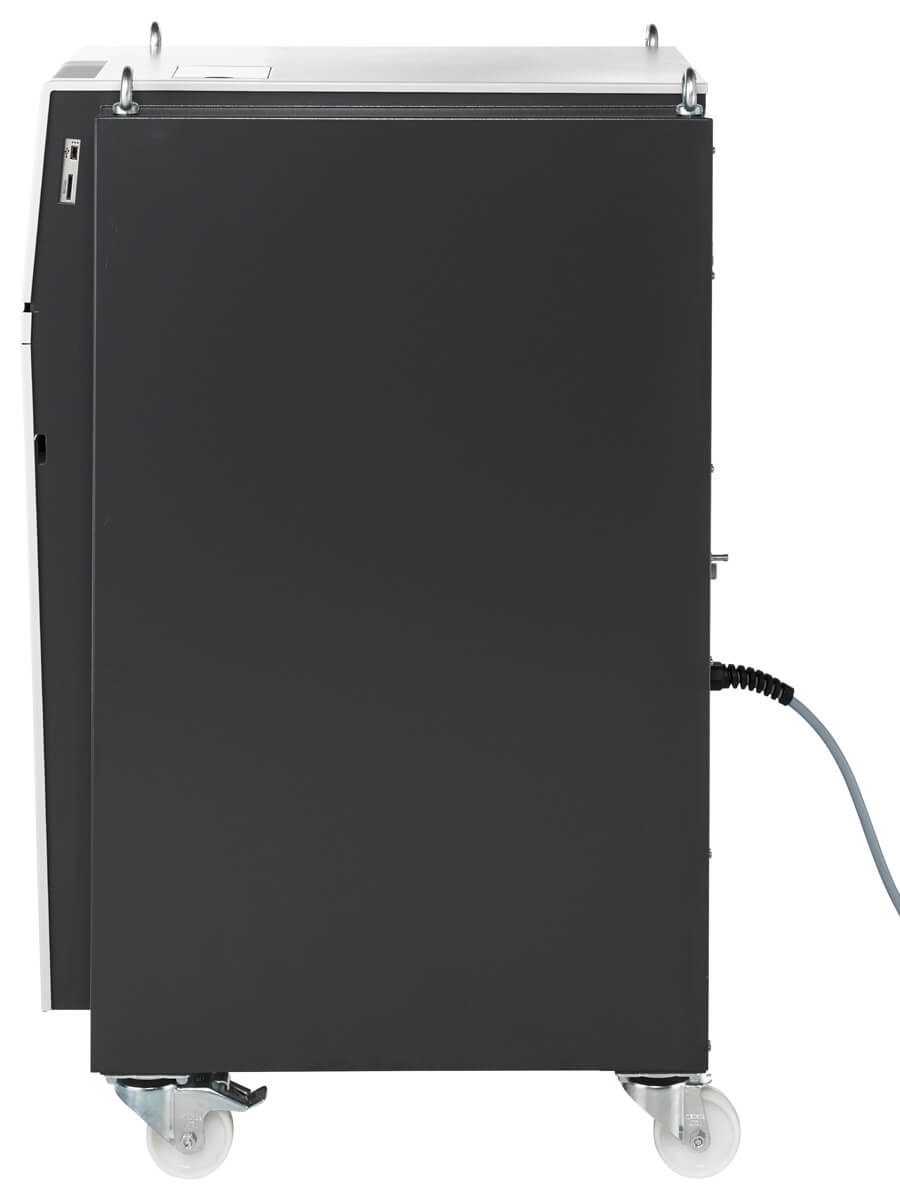
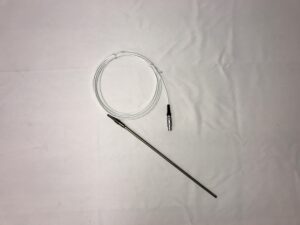
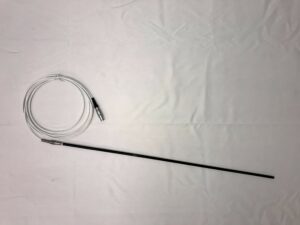
These instruments cover a working temperature range of -30 to +250°C to -92 to 250 °C. Up to three user levels with password managment enable safe, repeatable operation. Systems incorporate USB (host and device), Ethernet, SD-card slot, RS232 port, stand-by input and Pt100 external temperature sensor port.
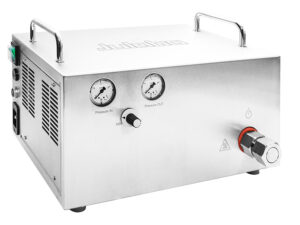
The graphite bearing centrifugal pressure pump is lubricated by the bath fluid. All models (except for A30) can operate under pressure control to safeguard pressure sensitive applications (such as jacketed glass reactors).
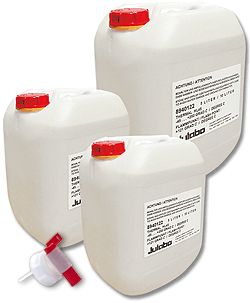
Air and water-cooled versions available. Use only with approved JULABO fluids. Systems can operate with silicone fluids (Thermal P60 and Thermal P90) and HFEs (Fluorinert® and Galden®). Single stage PRESTO systems can operate with 1:1 ethylene glycol/water mixtures from -30 to +90 °C. Additional accessories available.
Learn how to perform an ATC, or Absolute Temperature Calibration, on your PRESTO unit.
Activating Standby Input – PRESTO
In this video, Felix will demonstrate how to activate the standby input on your PRESTO.
Analog Connections – Overview
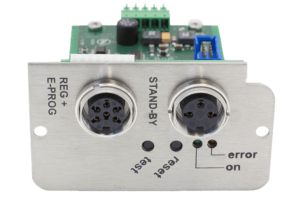
In this video Electronics Service Team Leader, Nelson Hill, will discuss the various analog interface options that some of our products have as either optional or standard, including stand-by input (STAND-BY), alarm output (ALARM), and programmer input/temperature recorder output (REG+E-PROG).
Analog Connections – PRESTO
In this video Electronics Service Team Leader, Nelson Hill, will discuss the various analog interface options that apply to PRESTO units.
CoSpeed – PRESTO
In this video, Felix Silverio, Electronics Service Technician, will demonstrate how to manipulate CoSpeed on a PRESTO.
Installing Analog Module – PRESTO
In this video, Electronics Service Team Leader, Nelson Hill, walks us through how to install an analog module on a PRESTO.
Installing Second Pt100 Input – PRESTO
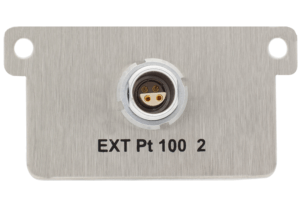
In this video, Electronics Service Team Leader, Nelson Hill, demonstrates how to install the second Pt100 input for the PRESTO series of highly dynamic temperature control systems.
Internal Programmer – PRESTO
In this video, Nelson Hill explains how to use the internal programmer on a PRESTO temperature control system.
Selftune (External) – PRESTO
In this video, Felix Silverio, Electronics Service Technician, will demonstrate how to perform the selftune function with an external application on a PRESTO.
Selftune (Internal) – PRESTO
In this video, Felix Silverio, Electronics Service Technician, will demonstrate how to perform the selftune function with an internal application on a PRESTO.
Updating Configuration – PRESTO
In this video Senior Customer Service Support Technician, Mary Pop, will demonstrate how to update the configuration on our PRESTO temperature control systems.



 Powered by Bioz